
Geometry Dash: How to Play Online for Free in Your Browser
Can You Play Geometry Dash in Your Browser?
Yes! Geometry Dash Lite is available to play for free directly in your web browser. It's the official lite version of the iconic rhythm platformer, featuring the same pulsing soundtrack, precision jumping, and rage-inducing difficulty that made the game famous.
The browser version runs on HTML5, meaning it works on any device — Chromebooks, school computers, tablets, and phones. No download, no app store, no payment. Just open the page and start jumping.
What Is Geometry Dash?
For the uninitiated, Geometry Dash is a rhythm-based platformer created by Robert Topala (RobTop Games) in 2013. You control a geometric icon (usually a cube) that automatically moves forward. Your only control is jumping — but the timing has to be perfect.
What makes Geometry Dash special:
- Music sync: Every obstacle, spike, and platform is placed in sync with the soundtrack. The music IS the level.
- One-tap gameplay: You only tap/click to jump. That's it. But the precision required is intense.
- Memory + reflexes: You'll memorize obstacle patterns through repeated attempts, then execute with perfect timing.
- Community levels: The full version has millions of user-created levels, making it essentially infinite.
Geometry Dash Lite vs Full Version
The browser version is Geometry Dash Lite, which includes:
- The first few official levels
- Full soundtrack and music sync
- Identical physics and controls to the paid version
- Practice mode for learning levels
What the lite version doesn't have:
- All 21+ official levels
- The level editor
- User-created levels
- All icon customization options
For most players, the lite version provides hours of challenge. The first few levels alone will take many attempts to complete, and they perfectly represent the Geometry Dash experience.
Tips to Get Better at Geometry Dash
1. Play With Sound ON
This is non-negotiable. Geometry Dash is a rhythm game — the music tells you when to jump. Playing without sound is like trying to dance without hearing the song. Turn your volume up and let the beat guide your timing.
2. Focus Ahead, Not on Your Icon
New players stare at their cube. Experienced players look 2-3 obstacles ahead. Your peripheral vision tracks your icon's position — your focused vision should be on what's coming next.
3. Use Practice Mode First
Practice mode adds checkpoints throughout the level. Use it to learn the obstacle layout without starting over every time. Once you've memorized the level, switch to normal mode for the real run.
4. Learn the Rhythm Patterns
Most Geometry Dash levels follow musical patterns: tap-tap-hold, tap-pause-tap, rapid triple-tap. Once you recognize these patterns, they become muscle memory.
5. Take Breaks
Geometry Dash rage is real. If you've died 50 times at the same spot, take a 5-minute break. When you come back, you'll often clear it on your first try. Your brain needs time to consolidate the muscle memory.
6 Games Like Geometry Dash You Can Play Free
Love the Geometry Dash formula? These free browser games capture similar magic:
Geometry Arrow
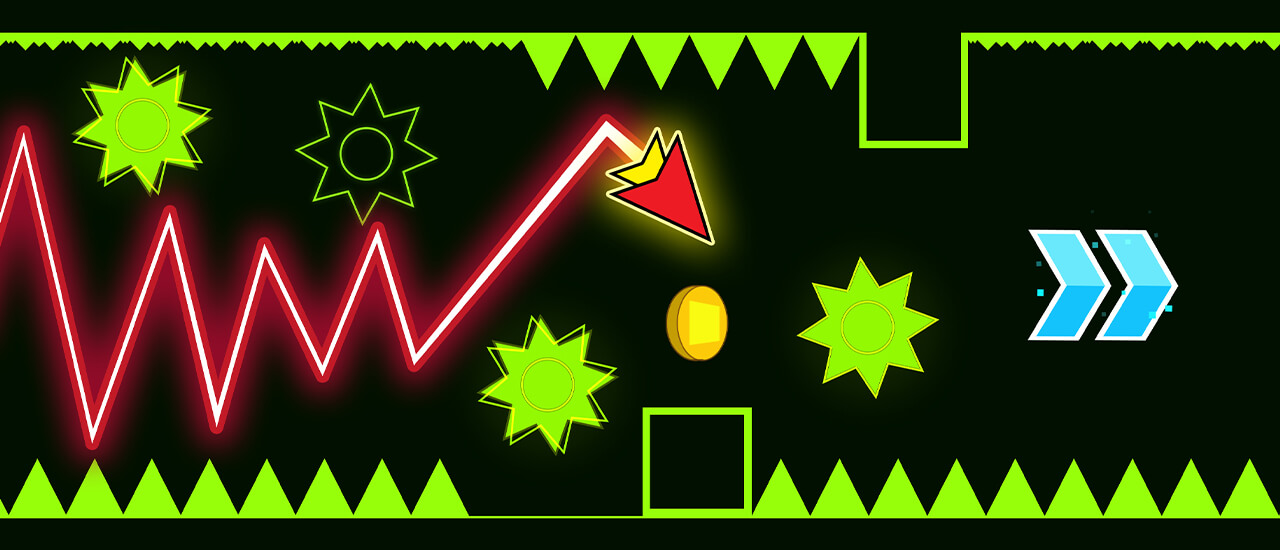
Takes the GD aesthetic and adds directional navigation. Instead of just jumping, you control which direction you move — adding a whole new dimension to rhythm platforming.
Wave Dash
Focuses entirely on Geometry Dash's wave mode. Hold to go up, release to go down, and navigate through impossibly tight corridors. Pure wave gameplay, pure satisfaction.
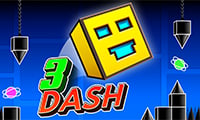
3Dash
Geometry Dash goes 3D. Same one-tap gameplay but with added depth perception. It's disorienting at first, then addictive once it clicks.
Jump Dash
Stripped-down speed platforming with short, intense levels. Perfect for quick GD-style sessions and speedrun attempts.
Electron Dash
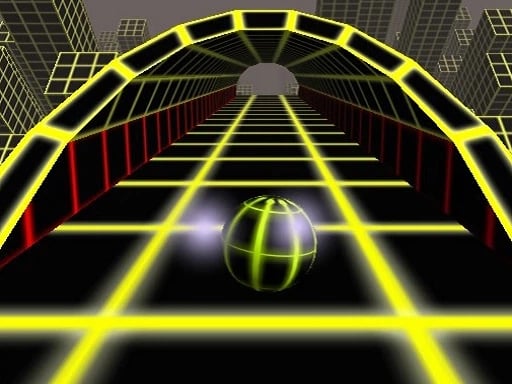
An endless 3D runner through glowing neon tunnels. The GD aesthetic meets endless runner format for a hypnotic, never-ending experience.
Ball Rolling Slope
Not a rhythm game, but delivers the same reflexes-first, one-mistake-you're-done intensity. Roll down a neon slope at ever-increasing speed.
Why Geometry Dash Is Still Popular in 2026
Geometry Dash first released in 2013, and over a decade later it's still one of the most-played browser games. Here's why:
- The "one more try" factor: Every death shows your progress percentage. Dying at 87% makes you NEED to try again.
- Music integration: The soundtracks are genuinely great electronic tracks that make repetitive attempts enjoyable.
- Speedrunning culture: The GD speedrun community is massive and active, constantly pushing new records.
- YouTube/TikTok: GD content thrives on social media. Impossible level completions and reaction videos keep the game in the cultural conversation.
- Accessibility: One-tap gameplay means anyone can start playing. The skill ceiling, however, is essentially infinite.
Keyboard Controls for Geometry Dash in Browser
The browser version supports multiple control options:
- Spacebar — Jump (most common)
- Up Arrow — Jump (alternative)
- Left Click — Jump (mouse option)
- W Key — Jump (WASD option)
Most players prefer spacebar for its large hit area. Some prefer clicking for the tactile feedback. Try both and see what feels more natural for your play style.