
Unblocked Games: The Complete Guide to Playing Games at School in 2026
What Are Unblocked Games?
Unblocked games are browser-based games that can be played on networks where gaming sites are typically restricted — like schools, libraries, and workplaces. Unlike downloaded games, these run entirely in your web browser using HTML5 technology, which means they work on any device including Chromebooks, iPads, and school computers.
The reason they work where other games don't is simple: they're hosted on HTTPS websites that aren't specifically blocked by network filters. As long as the hosting site isn't on the blocklist, the games load and play normally.
Why Browser Games Are Better Than Ever in 2026
Browser gaming has evolved massively. Today's HTML5 games deliver experiences that rival mobile apps:
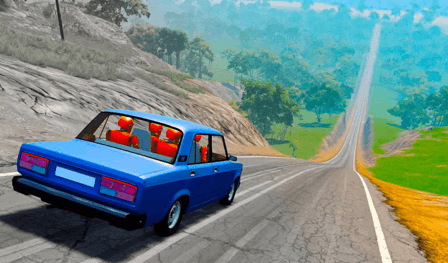
- 3D Graphics: WebGL technology enables stunning 3D visuals. Games like Top Speed Racing 3D and City Car Stunt 2 look incredible running in Chrome.
- Instant Loading: No app store downloads, no installation screens. Click a link and you're playing within seconds.
- Cross-Device: The same game works on your phone, tablet, Chromebook, and desktop. Your progress often carries over.
- No Storage Needed: School Chromebooks with limited storage? No problem. Browser games use zero local storage.
Best Unblocked Games to Play Right Now
Best for Quick Sessions (2-5 minutes)
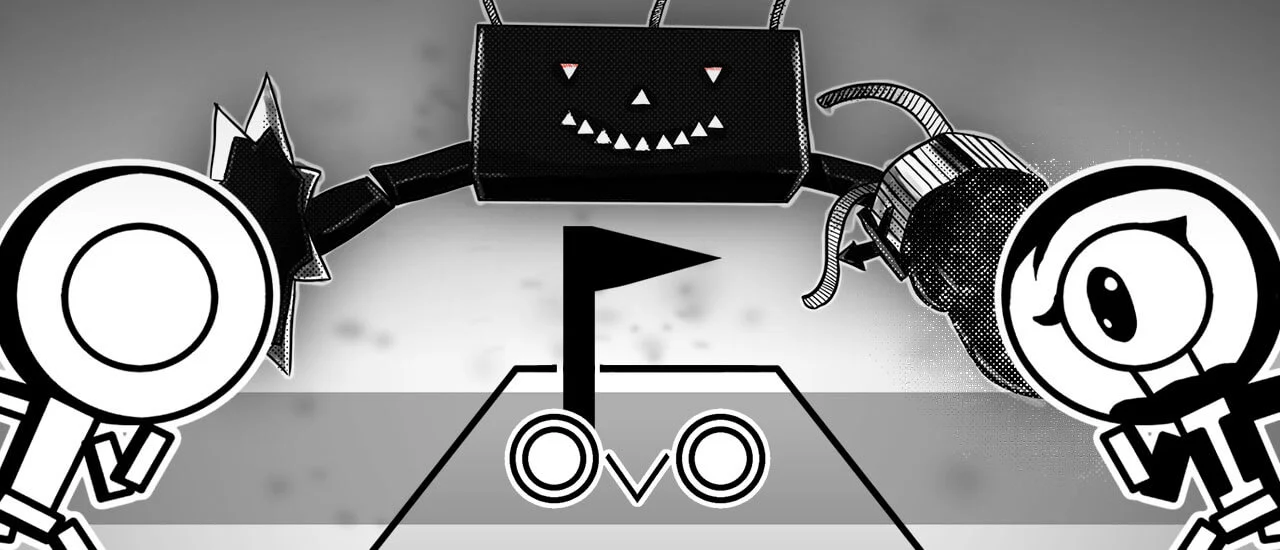
OvO — The king of browser platformers. Quick levels, tight controls, and runs on literally any device. Each level takes 30 seconds to 2 minutes, making it perfect for short breaks.
Snow Rider — An addictive downhill sledding game with one-button controls. Each run is 1-3 minutes, and you'll immediately want to beat your high score.
Jump Jelly — A cute, bouncy platformer that's impossible not to smile at. Rounds are quick and satisfying.
Best for Longer Sessions (15-30 minutes)
Grindcraft Remastered — A Minecraft-inspired crafting game that's surprisingly deep. Mine resources, craft items, and build your way through an extensive progression system.
Lows Adventures 2 — A full adventure platformer with exploration, secrets, and beautiful pixel art. This one can easily fill an entire free period.
Vex 6 — The latest in the legendary Vex platformer series. Challenging obstacle courses that'll keep you hooked for the whole lunch break.
Best for Playing With Friends
Stunt Multiplayer Arena — Real-time multiplayer racing on crazy stunt tracks. Race your friends on separate devices.
Hide N Seek — A strategic hide-and-seek game that's perfect for turn-taking competitions.
How to Find Games That Work on Your Network
Every network has different restrictions. Here are some tips:
- Try HTTPS sites first — Most modern game sites use HTTPS, which makes them harder for basic filters to block.
- Bookmark what works — When you find a site that works, save it immediately. Network admins update blocklists periodically.
- Test during free time — Don't test during class. Check what works during lunch or free periods.
- Use your phone as backup — If the school WiFi blocks everything, mobile data on your phone usually works.
Do Unblocked Games Have Viruses?
This is the #1 concern, and rightfully so. Here's the truth:
Legitimate HTML5 game sites are safe. Games that run in your browser are sandboxed — they can't access your files, install software, or do anything outside the browser tab. However, sketchy sites might have aggressive ads or pop-ups that try to trick you into downloading something.
Stick to reputable game sites with clean designs and no suspicious pop-ups. If a site asks you to download anything to play a "browser game," close it immediately — real browser games never require downloads.
Why Schools Block Games (And Why It's Changing)
Schools block gaming sites primarily to reduce bandwidth consumption and minimize distractions during class time. This makes sense — streaming 3D games during a math lecture isn't ideal for anyone.
However, many educators are recognizing that short gaming breaks actually improve focus and productivity. Some schools are starting to designate "game-friendly" periods where certain sites are temporarily unblocked. If your school hasn't adopted this approach, it's worth suggesting to your student council.
The Best Devices for Browser Gaming
You don't need expensive hardware for browser games. Here's how common devices handle them:
- Chromebooks: Excellent for 2D games and simple 3D games. OvO, Snow Rider, and Vex 6 run perfectly.
- School PCs: Usually powerful enough for any browser game. Enable hardware acceleration in Chrome settings for best performance.
- iPads/Tablets: Great for touch-friendly games. Racing and casual games work especially well.
- Smartphones: Works in a pinch, but the small screen can make precision games harder.
Tips for the Best Browser Gaming Experience
- Close unnecessary tabs — Each open tab uses memory. Close everything except the game for the smoothest experience.
- Use fullscreen mode — Press F11 (or tap the fullscreen button) to eliminate browser chrome and get the full experience.
- Mute your sound — Especially in quiet environments. Most browser games have a mute button, or you can right-click the tab and select "Mute Site."
- Enable hardware acceleration — Go to Chrome Settings → System → Turn on "Use hardware acceleration when available" for better 3D performance.
- Bookmark your favorites — Build a bookmarks folder of your go-to games for instant access.